Overview
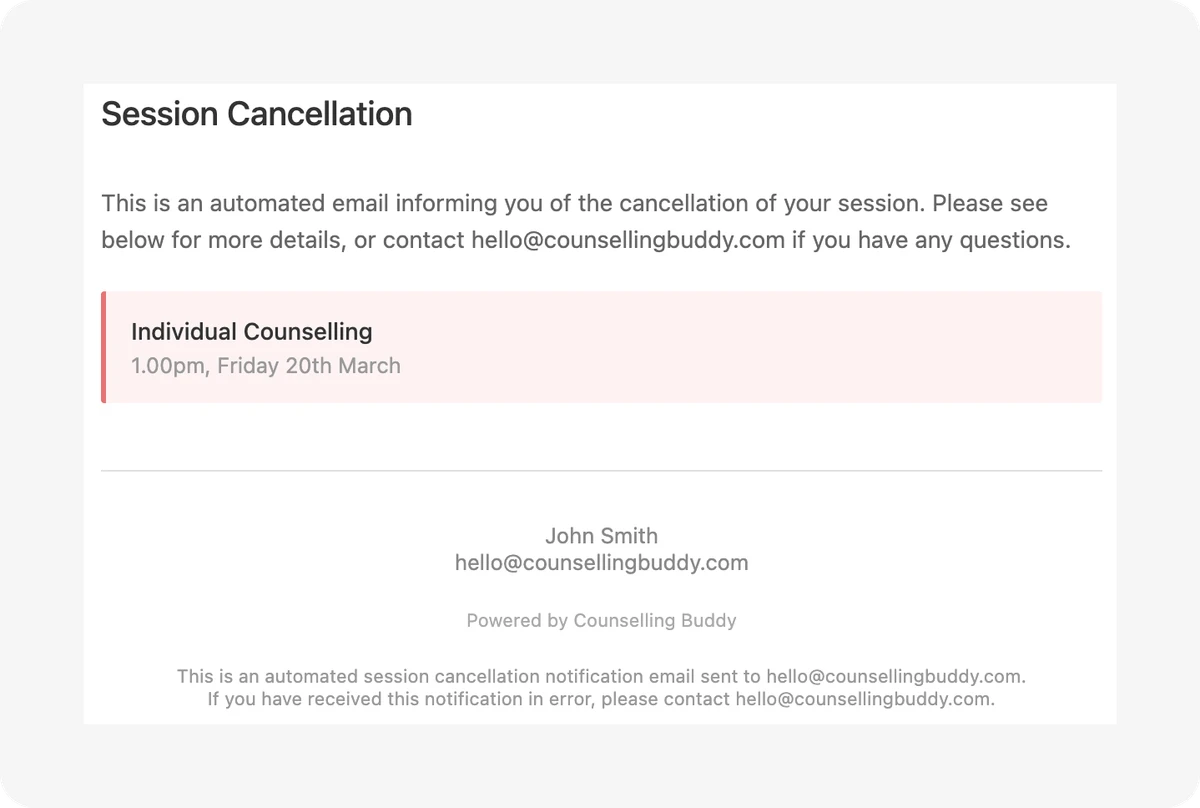
When a session is booked or cancelled, Counselling Buddy can automatically notify your client by email. You have full control over whether these emails go out. Confirmations and cancellations are controlled separately in your settings, so you can use one but not the other.
Video walkthrough
Setting up session confirmation and cancellation emails
The three send modes
For both confirmation and cancellation emails, you can choose one of three options:
- Always send - an email goes out automatically every time, without any action on your part
- Never send - no email is sent
- Ask me each time - you will be prompted when booking or cancelling a session, and can decide on a case-by-case basis
Where to find these settings
-
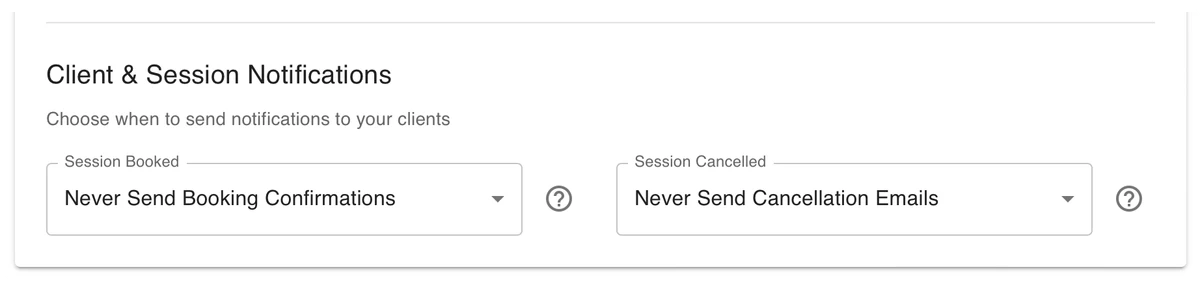
Go to Settings → Notifications scroll down until you see the below:
-
Select your preferred send mode for each
-
Click Save Changes
Your settings apply immediately to any sessions booked or cancelled from that point on.
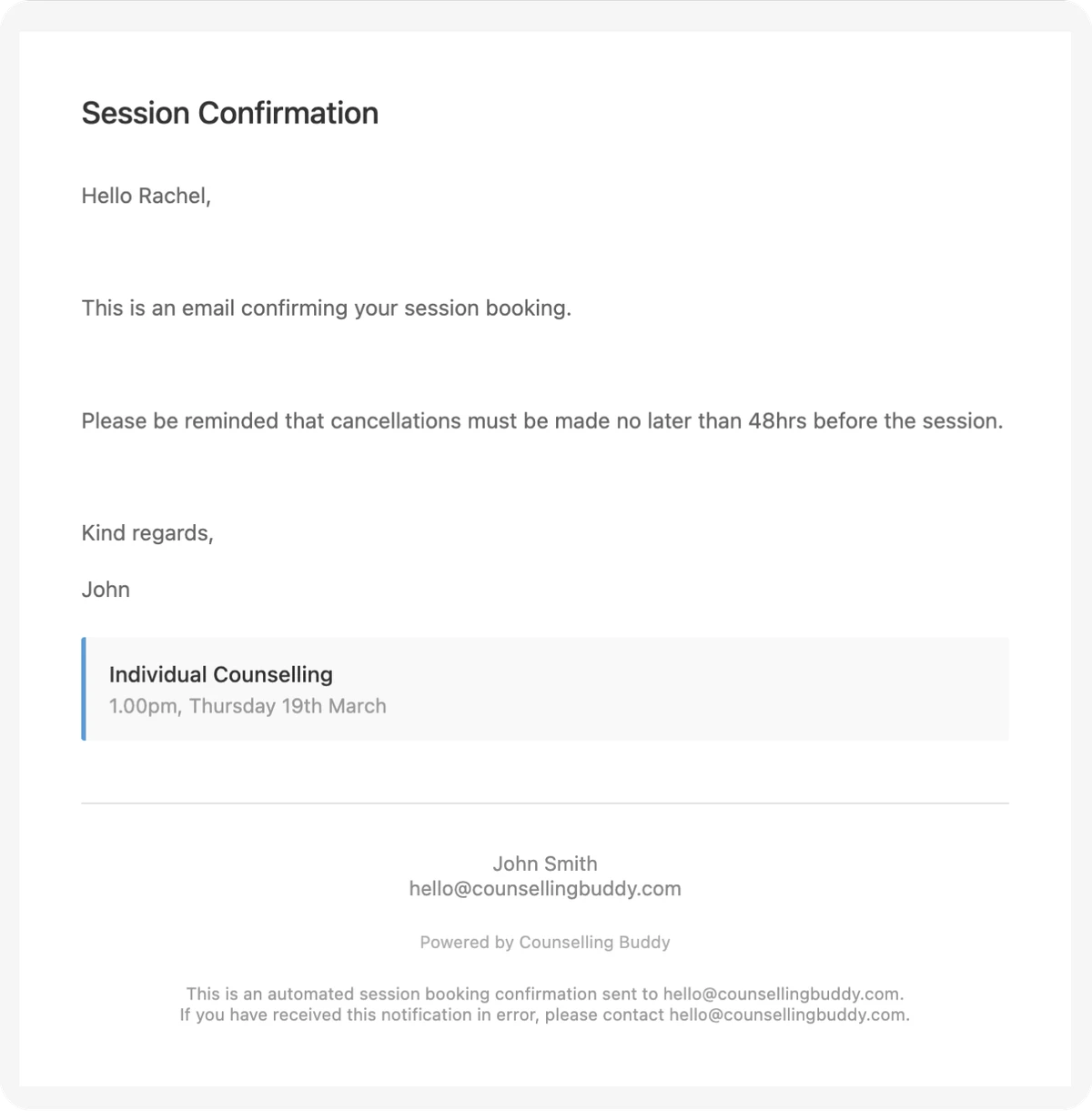
What the client sees
Example confirmation email:
Example cancellation email: